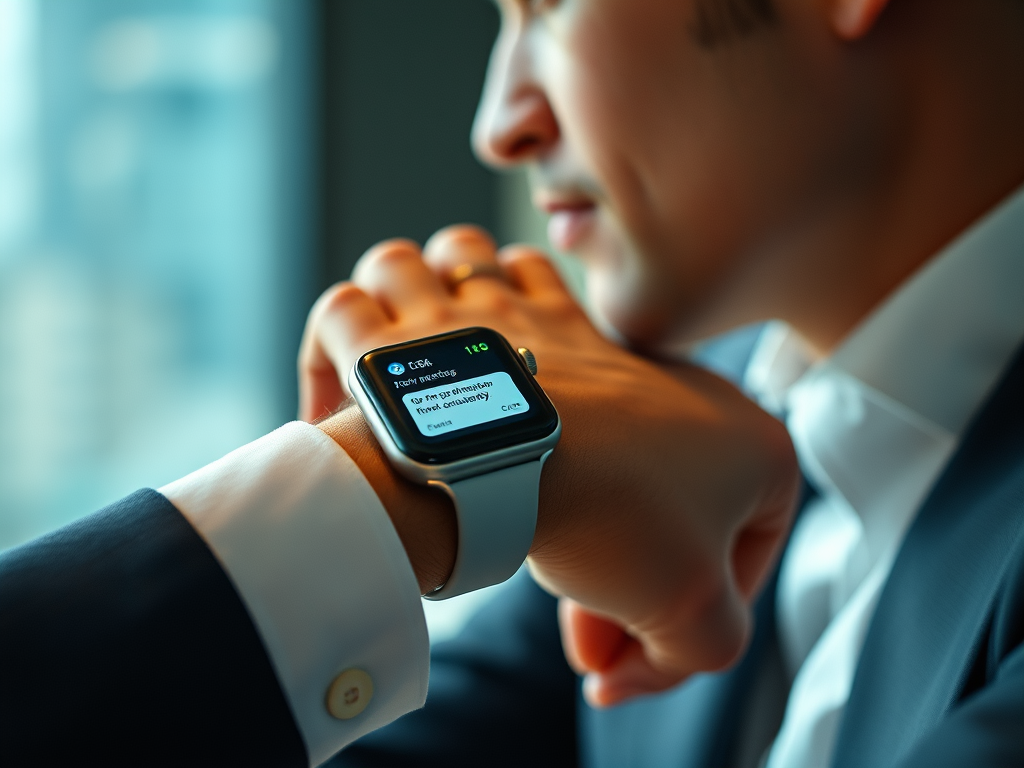
In today’s fast-paced world, staying connected is more important than ever. While smartphones have revolutionized how we communicate, the ability to access messages on your wrist takes convenience to a whole new level. Let’s explore why syncing your watch with your iPhone for iMessage is a game-changer.
Instant Notifications at a Glance
Imagine this: You’re in a meeting, and your phone is tucked away in your bag. Your watch vibrates gently, and with a subtle glance at your wrist, you see an important message from your partner. No need to reach for your phone or disrupt the meeting – you’re instantly in the know.
Quick Replies on the Go
Running late for your train? With iMessage on your synced watch, you can send quick, pre-set responses or even dictate a message without breaking your stride. It’s perfect for those moments when you need to communicate but can’t stop to type on your phone.
Discreet Communication
There are times when pulling out your phone isn’t appropriate or convenient. Whether you’re in a movie theater, at a dinner, or in a crowded public space, checking messages on your watch is far more discreet and socially acceptable.
Never Miss Important Messages
Life is unpredictable, and sometimes your phone isn’t within earshot. With iMessage on your watch, you’ll feel a tap on your wrist for every important message, ensuring you never miss critical communications.
Seamless iPhone Integration
The beauty of syncing your watch for iMessage lies in its seamless integration with your iPhone. Start a conversation on your watch and continue it on your phone without missing a beat. It’s all part of the Apple ecosystem working in harmony.
Health and Fitness Tracking Bonus
While not directly related to iMessage, it’s worth noting that syncing your watch also enables robust health and fitness tracking. From counting steps to monitoring your heart rate, your watch becomes a comprehensive health companion.
How to Set It Up
Setting up iMessage on your synced watch is a breeze:
- Ensure your watch is paired with your iPhone.
- Open the Watch app on your iPhone.
- Go to ‘Messages’ in the app settings.
- Toggle on ‘Mirror my iPhone’ to get all your iMessage notifications.
Conclusion
Syncing your watch with your iPhone for iMessage isn’t just about convenience – it’s about staying connected in a way that fits seamlessly into your life. Whether you’re a busy professional, a fitness enthusiast, or someone who values staying in touch without being tied to their phone, this simple sync can make a world of difference.
So go ahead, sync up, and experience the freedom of communication right from your wrist. Welcome to the future of messaging!
Leave a Reply
You must be logged in to post a comment.