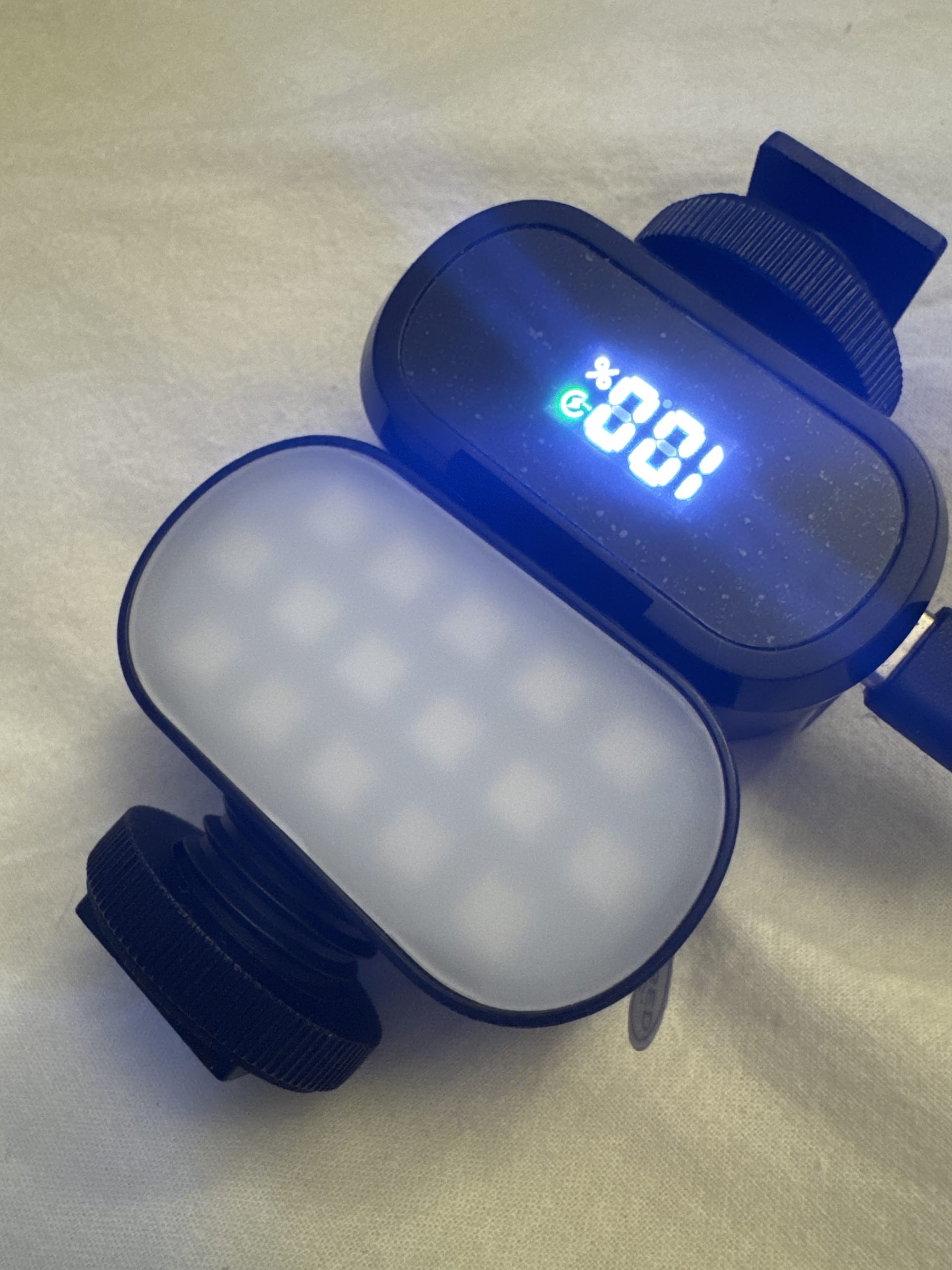
Here’s a detailed guide for using your LED RGB lamp effectively in specific scenarios:
1. Portrait Photography Setup
• Positioning: Place the lamp slightly above and at a 45° angle from your subject’s face for soft, natural lighting.
• Settings: Use white light (around 5500K) for a natural look or add colored light (e.g., soft pink or blue) for creative portraits.
• Backdrop: If you’re using a plain background, point the lamp at it to create a smooth color gradient.
• Pro Tip: Combine your RGB lamp with a diffuser (if it doesn’t already have one) to soften shadows.
2. Streaming Background Setup
• Positioning: Place the lamp behind you but out of frame, pointing towards a wall or an object in the background.
• Settings: Set the lamp to a color that complements your theme (e.g., blue/purple for gaming, warm orange for cozy vibes).
• Dynamic Effects: Use color transitions or pulse settings for a subtle, dynamic background effect.
• Pro Tip: Pair with other light sources like ring lights for balanced foreground lighting.
3. Product Photography
• Setup: Place the lamp at a low angle to create dramatic shadows and highlights on the product.
• Background: Use a white or black backdrop. Experiment with different colors (e.g., red, yellow, green) on the backdrop to make the product pop.
• Multiple Lamps: If you have more than one RGB lamp, use one as the main light and another as a backlight to highlight edges.
• Pro Tip: Try lighting from underneath a transparent platform for a glowing effect.
4. Home Ambiance
• Placement: Place the lamp on a table, shelf, or under furniture for indirect lighting.
• Colors:
• Warm yellow/orange for a cozy evening.
• Cool blue/purple for a calm, relaxed atmosphere.
• Green for a natural feel in living spaces.
• Pro Tip: Use a timer if your lamp supports it to automatically set the mood for different times of the day.
5. DIY Light Painting
• Equipment Needed: A camera with manual settings (or a smartphone with a long exposure mode).
• Setup:
1. Darken the room completely.
2. Set your camera to a slow shutter speed (e.g., 10–30 seconds).
3. Move the lamp around while the camera captures the motion, creating light trails.
• Pro Tip: Change the colors mid-movement for multicolored trails.
6. Music Video or Stage Effects
• Positioning: Place the lamp behind the subject, facing the camera for a dramatic silhouette.
• Dynamic Settings: Use strobe or color-shifting modes for added energy.
• Background Use: Shine the lamp on a textured wall for an interesting, colorful pattern.
• Pro Tip: Sync the light colors to the mood of the music (warm for slow songs, bright RGB for upbeat tracks).
7. Social Gatherings
• Placement: Center the lamp on a table or in a corner to light up the room subtly.
• Settings: Set the lamp to cycle through colors or use a static color that matches the party theme.
• Pro Tip: Pair the lamp with a Bluetooth speaker for synced light and sound effects.
8. Macro Photography (Small Objects)
• Setup: Position the lamp close to the object but at an angle to avoid direct reflections.
• Colors: Use contrasting colors to emphasize the object’s features (e.g., blue light on a silver ring).
• Pro Tip: Use a reflector (e.g., white paper) to bounce light back onto shadows for even illumination.
Would you like step-by-step guidance for any specific scenario from this list?
Leave a Reply
You must be logged in to post a comment.